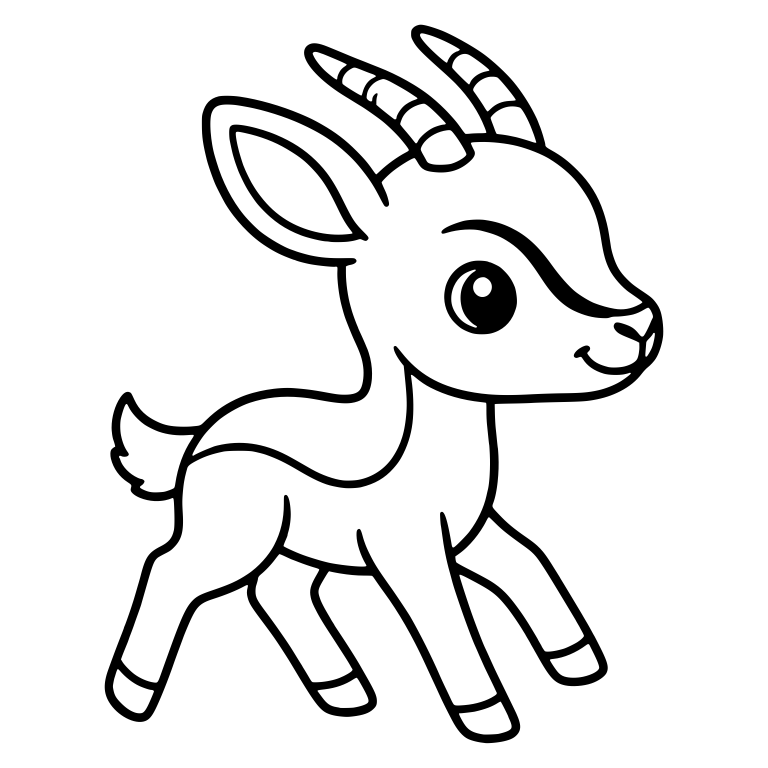
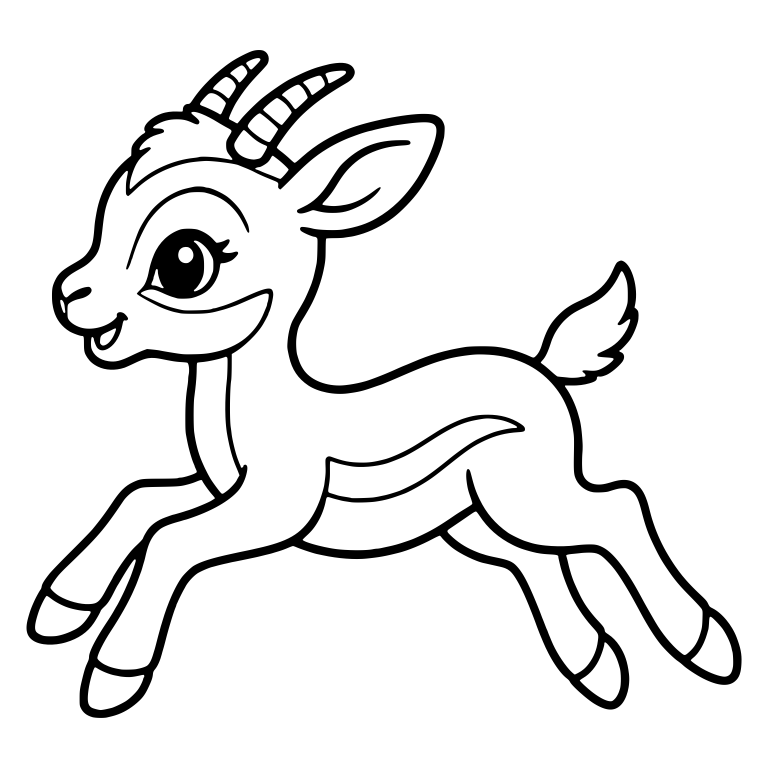
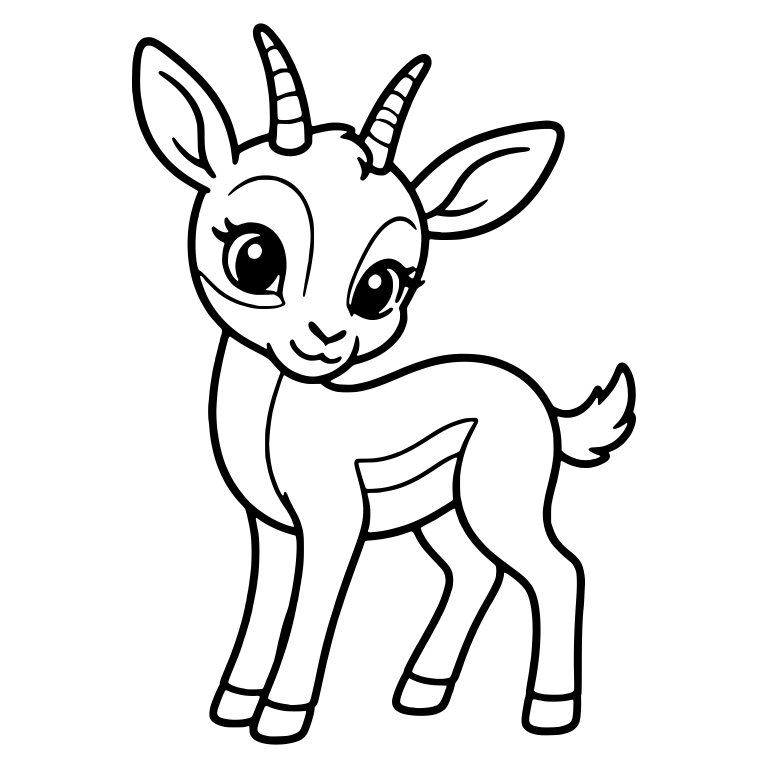
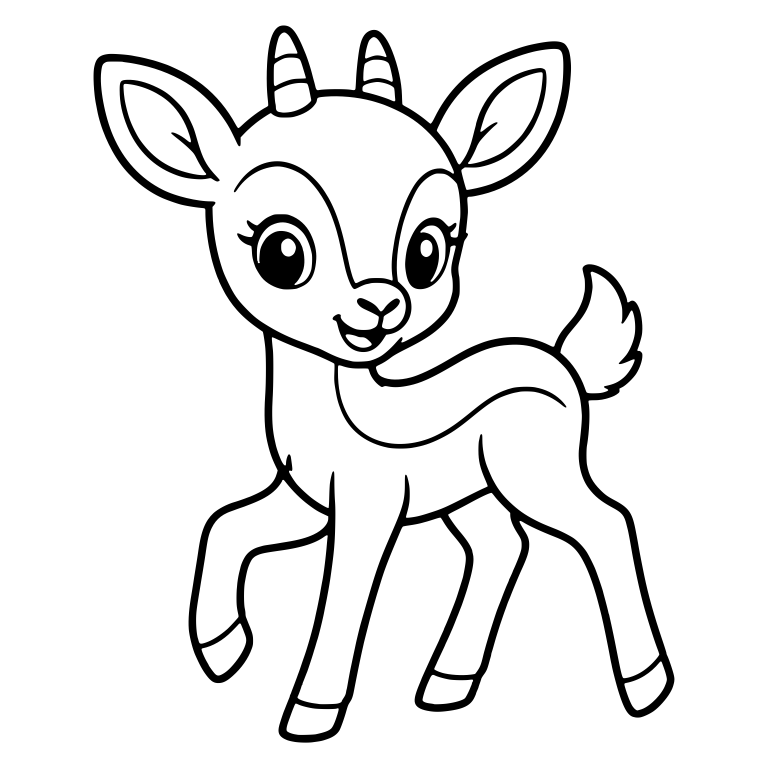
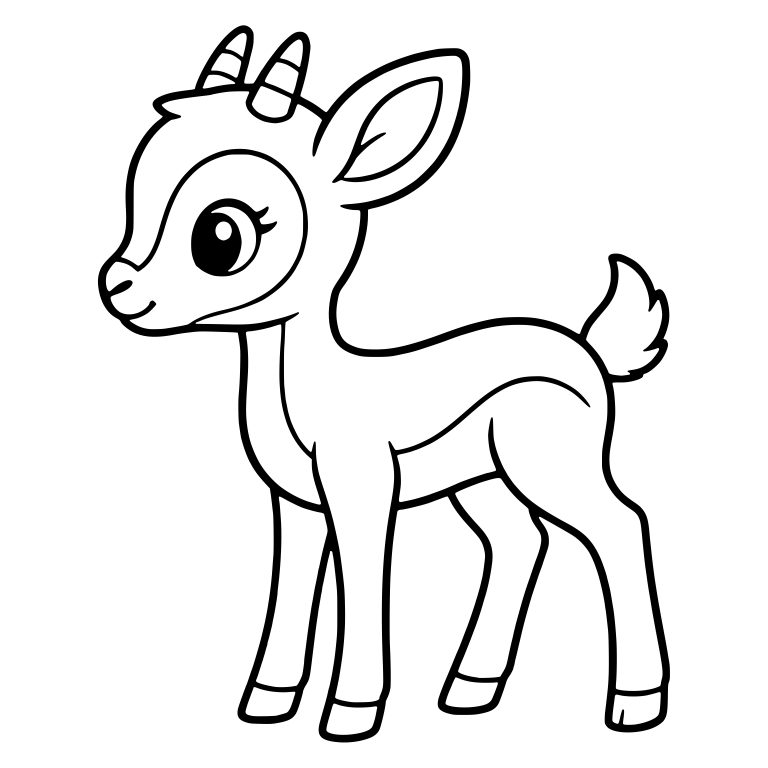
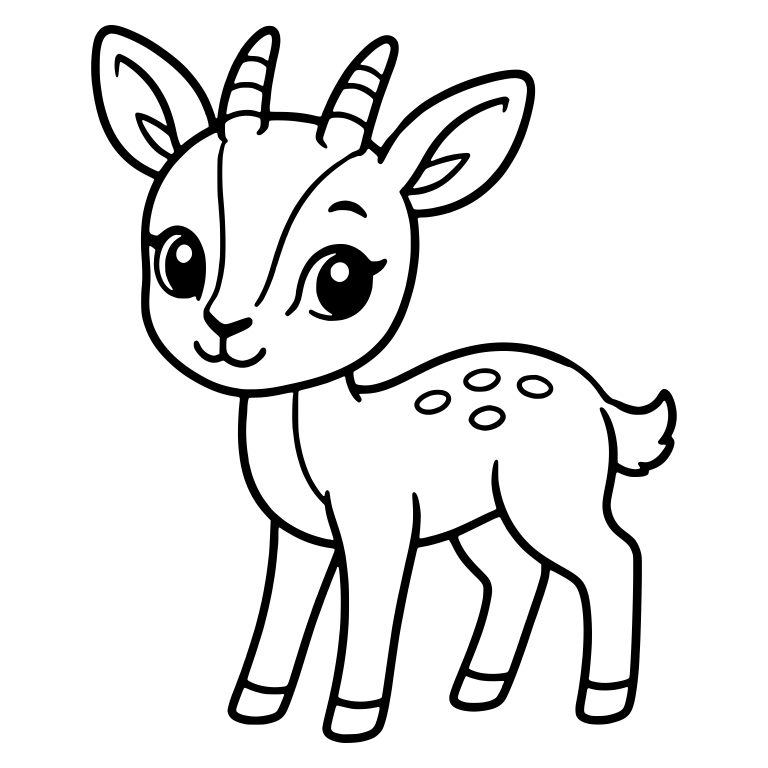
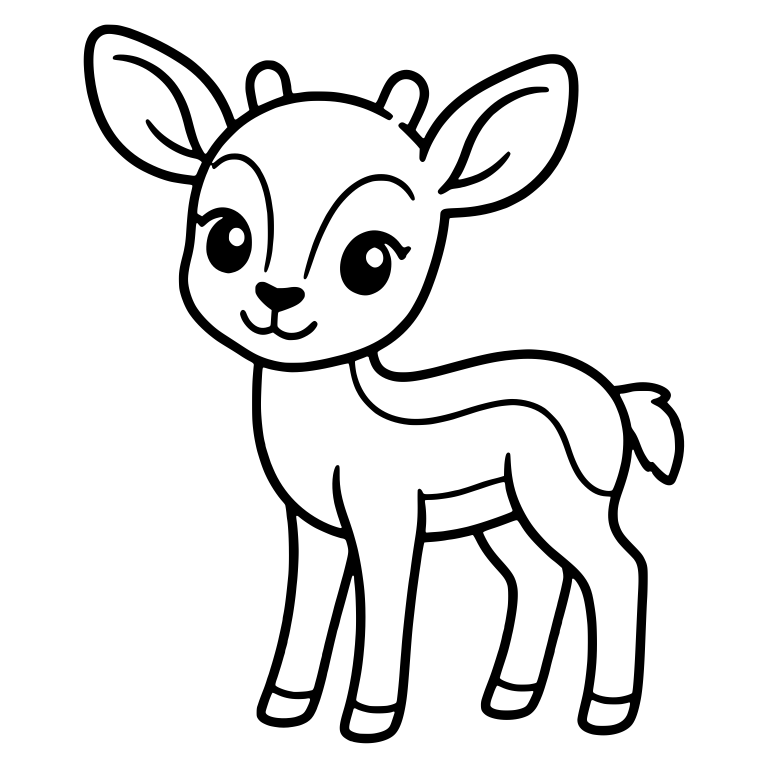
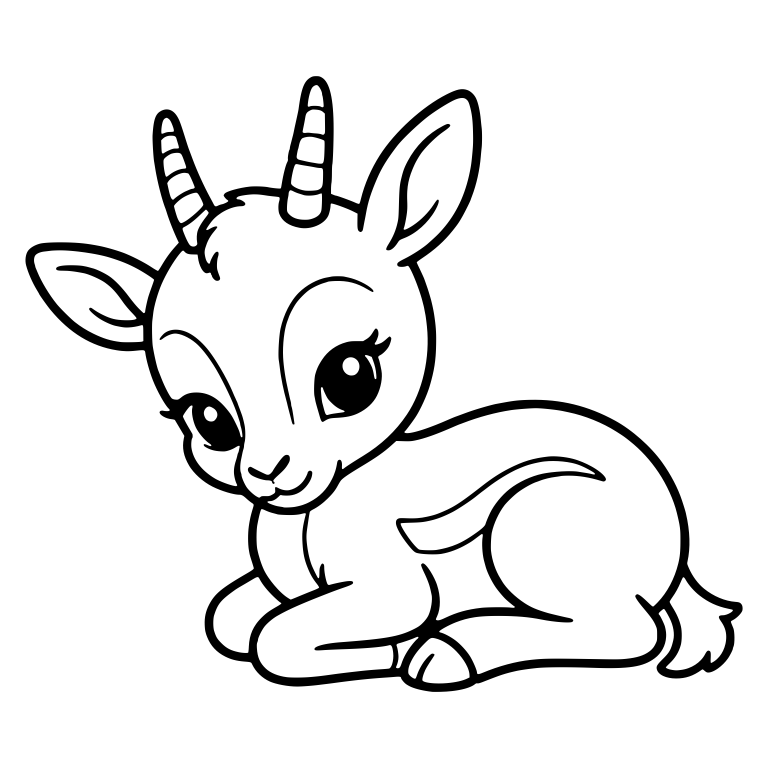
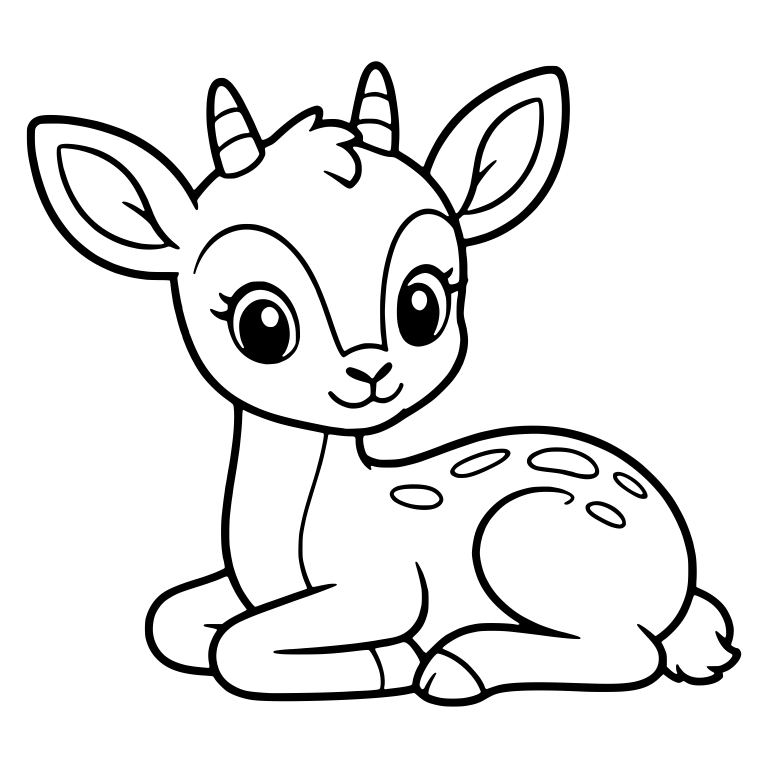
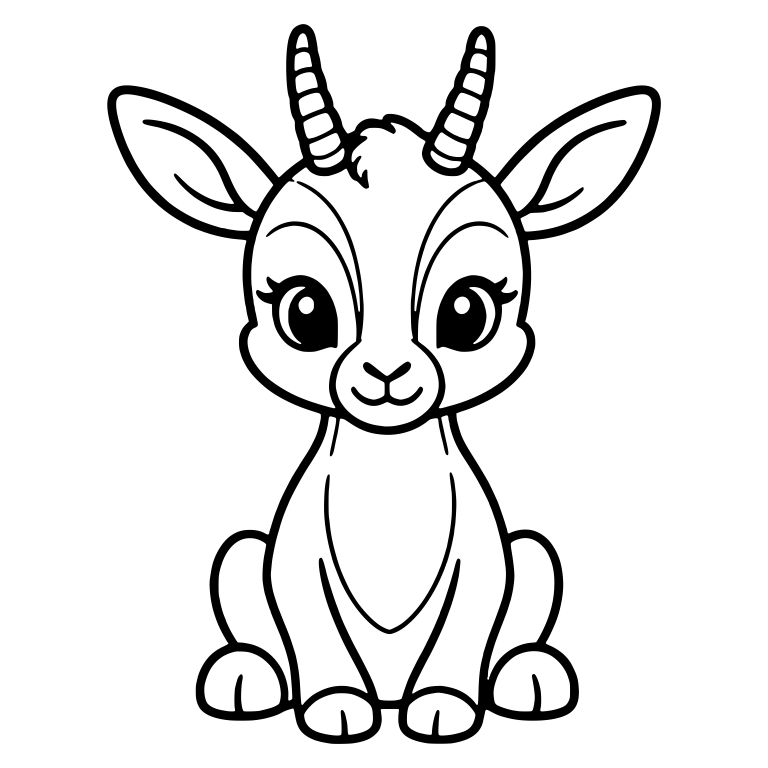
Ways to use Leaping Baby Gazelle with Curved Horns (Free Kawaii Gazelle SVG)
This gazelle cut file (Gazelle collection) is drawn in a kawaii style, featuring a leaping mid air leg stretched silhouette. Because every path in this SVG download is a true scalable vector with balanced line (6.2px weight), you can resize it from 3.0" × 3.0" (7.5 cm) up to oversized wall signage with zero pixelation or jagged edges.
Popular maker projects for this design include shirts and baby onesies, nursery wall art, tumblers and water bottles, tote bags, and vinyl decals for laptops or car windows (especially sticker,, coloring, page,, kid, craft,, tshirt projects). Pair it with matte or glitter heat-transfer vinyl (HTV) for custom apparel, permanent glossy vinyl for tumblers and car decals, or wood and acrylic blanks on a Glowforge or diode laser cutter.
✂️ Recommended Supplies & Materials for This Cut
Crafter-tested essentials · Affiliate links
For crisp edges and effortless weeding at 3.0" × 3.0" (7.5 cm) or larger, pair this gazelle vector with these workshop staples:
Blade & Pressure: Standard Fine-Point Blade at default pressure cuts every path smoothly in a single pass on Cricut Explore, Cricut Maker, and Silhouette Cameo.
Mat Selection: StandardGrip (green) mat for adhesive vinyl (Oracal 651) and heat-transfer vinyl (Siser EasyWeed), or LightGrip (blue) mat for 65–80 lb cardstock.
Minimum Sizing: Keep the shortest side at or above 3.0" × 3.0" (7.5 cm) so interior counter-spaces weed cleanly without lifting adjacent lines.
Iron-On / HTV Reminder: Toggle Mirror ON in Cricut Design Space or Silhouette Studio and place your heat-transfer vinyl shiny carrier-side down on the mat.
Recommended Project Sizing & Cut Settings for Leaping Baby Gazelle with Curved Horns
✓ Free Instant .SVG Download · Commercial Use Included
Leaping Baby Gazelle with Curved Horns
Instant direct download of the scalable .SVG vector cut file (covered by our Commercial License)
Free for personal & small-business commercial physical products — no attribution required
Windows Note: Windows File Explorer often displays .svg files with a Chrome or Edge icon (“HTML Document”) because web browsers open vector graphics by default — upload the .svg file directly into Cricut Design Space, Silhouette Studio, or LightBurn!
🛠️ Customize & Pre-Flight This SVG in Your Browser (100% Free)
Can I sell physical products I make with this gazelle SVG?
Yes. Every animals file on SVG Design Factory includes a free personal and commercial license for physical handmade goods, so you can sell shirts, mugs, tumblers, wood signs, stickers, and decals you make with this design — with zero attribution required.
What file format does this download as? (Why does Windows show a browser / HTML icon?)
Clicking download saves the ready-to-cut .SVG (Scalable Vector Graphics) file directly to your device (covered by our free Commercial License). Upload the .svg file directly into Cricut Design Space, Silhouette Studio, Brother ScanNCut, Adobe Illustrator, Inkscape, or LightBurn. Note for Windows users: Windows File Explorer often displays .svg files with a Chrome or Edge browser icon and labels the file type “HTML Document” because web browsers are the default viewer for vector graphics — it is still a true 100% vector .svg cut file!
What is the smallest size I should cut this design?
Based on this file's measured line weight (Balanced Line (6.2px weight)), we recommend cutting it at 3.0" × 3.0" (7.5 cm) or larger for adhesive vinyl and HTV. For laser engraving or print-then-cut stickers, you can scale it as small as needed.
Turn your SVGs into customizable 3D-printed signs, key holders, and gifts. Customers pick their colors, add their name, and you get print-ready files automatically.
Enter your email once to unlock all designs — free for personal and commercial use, with no attribution required. Your download starts the moment you’re in.
100% free · No spam · Unsubscribe anytime
✓
Preparing your free SVG file…
Downloads are unlocked! Your ready-to-cut .SVG vector file (Commercial License included) will download automatically.