Ways to use Laughing Santa Claus Giving a Thumbs Up (Free Cartoon Christma Santa Claus SVG)
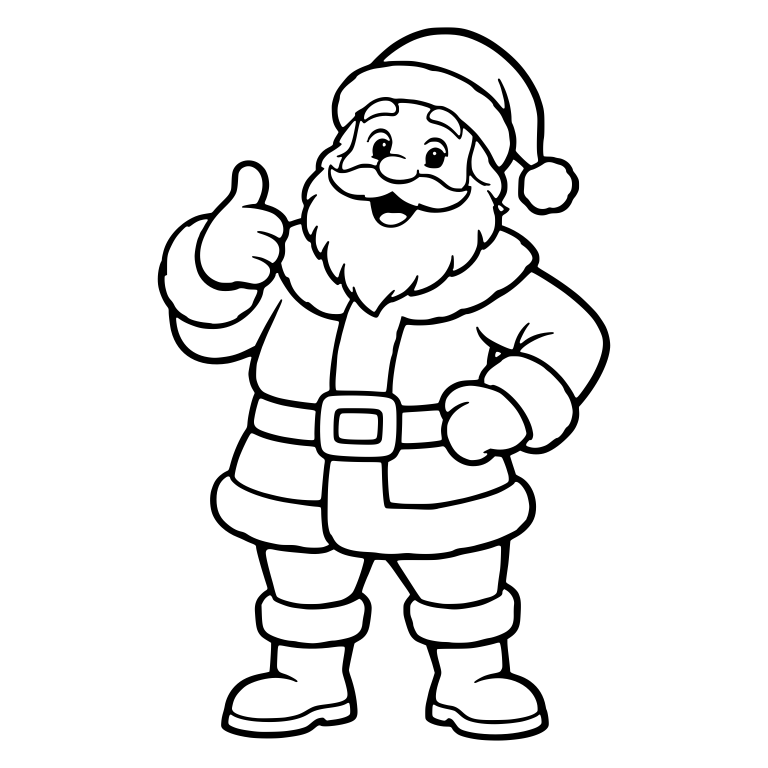
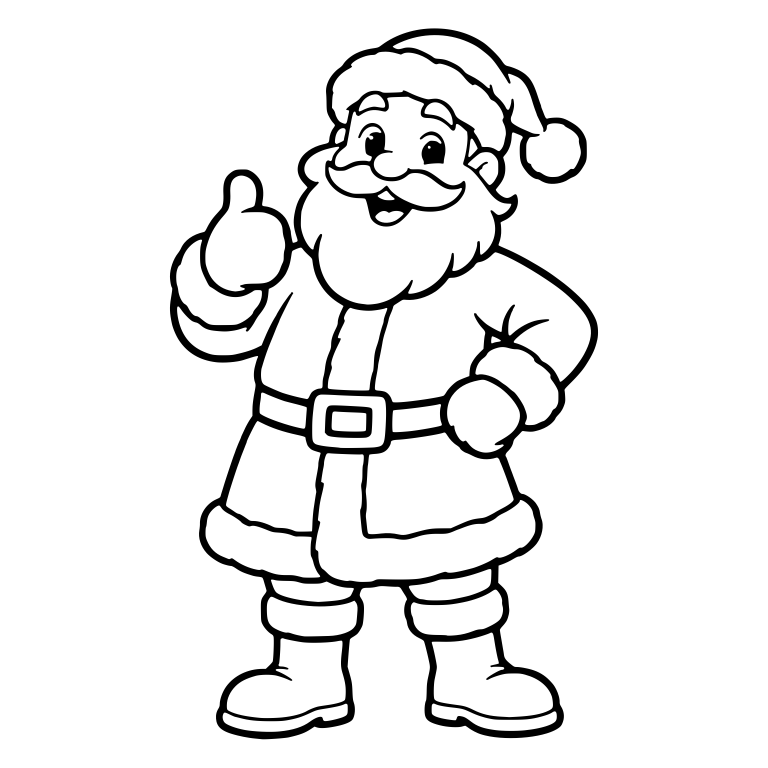
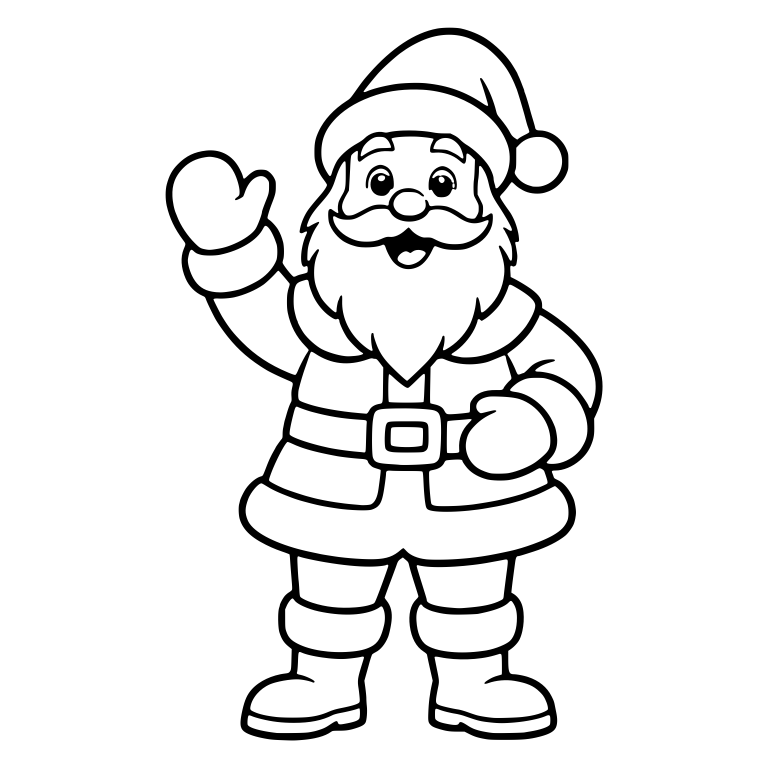
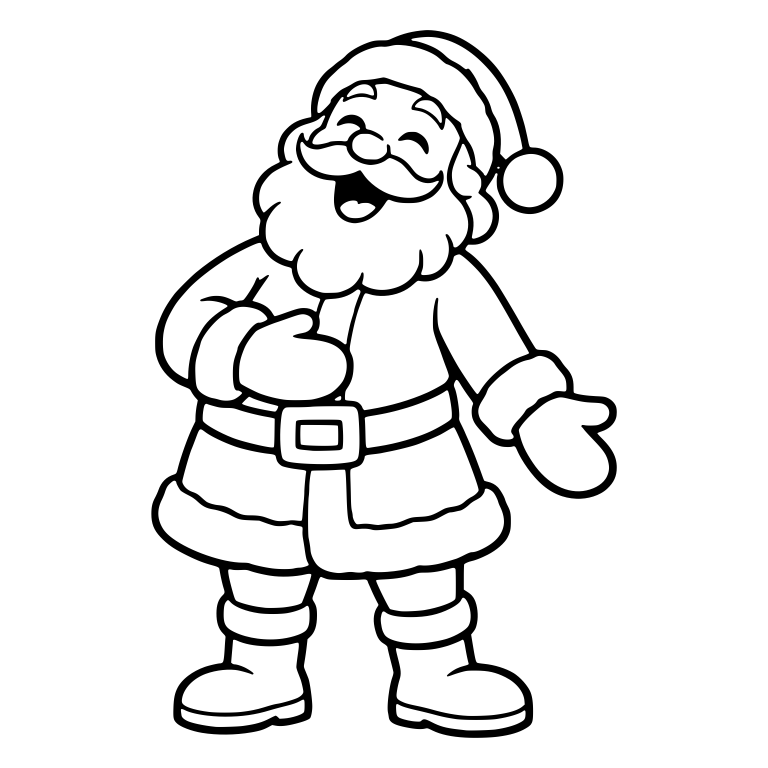
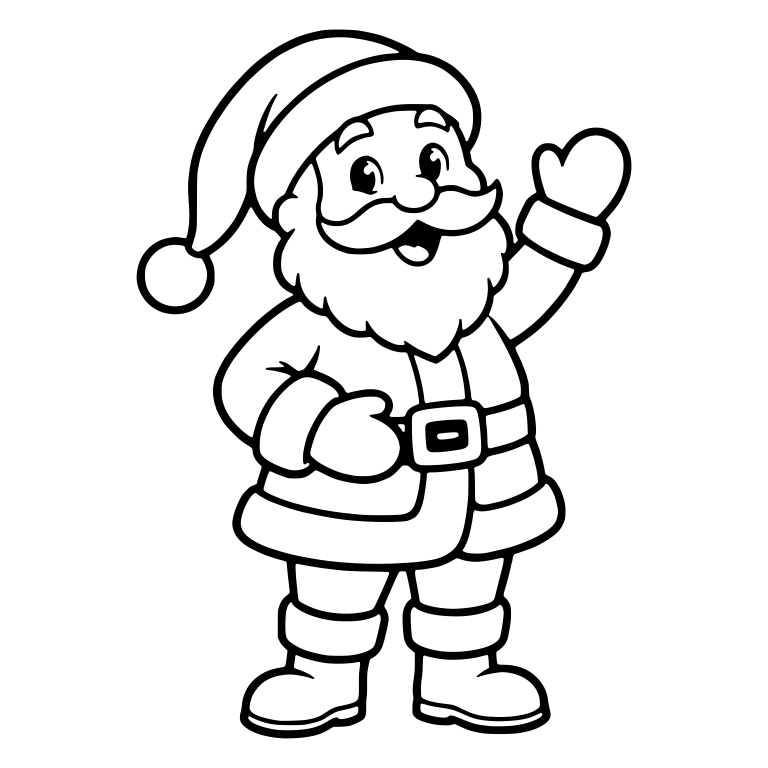
This santa claus cut file (Christmas collection) is drawn in a cartoon style, featuring a standing giving thumb up one mitten silhouette, accented with santa hat, pom pom, belt, ideal for Christma crafts and seasonal decor. Because every path in this SVG download is a true scalable vector with fine line (5.0px weight), you can resize it from 4.5" × 4.5" (11.5 cm) up to oversized wall signage with zero pixelation or jagged edges.
Popular maker projects for this design include seasonal cards and gift tags, ornaments, front-door signs, tumblers, and layered vinyl decals (especially tshirt,, sticker,, card, invitation,, coloring, page, projects). Pair it with matte or glitter heat-transfer vinyl (HTV) for custom apparel, permanent glossy vinyl for tumblers and car decals, or wood and acrylic blanks on a Glowforge or diode laser cutter.
✂️ Recommended Supplies & Materials for This Cut
Crafter-tested essentials · Affiliate links
For crisp edges and effortless weeding at 4.5" × 4.5" (11.5 cm) or larger, pair this santa claus vector with these workshop staples:
Tips for a clean cut (Intermediate (Fine Line Art))
Cut ComplexityIntermediate (Fine Line Art)
Recommended Min. Size4.5" × 4.5" (11.5 cm)
Vector Stroke ProfileFine Line (5.0px weight)
Layer Count1 Layer (Single-Piece Ready)
Blade & Pressure: Use a sharp Fine-Point Blade on the "Vinyl, Intricate Cuts" or "Cardstock, Intricate" setting and reduce cut speed by one notch so delicate inner contours lift cleanly without snagging.
Mat Selection: Use a LightGrip (blue) mat for cardstock or reverse-weed permanent vinyl directly on transfer tape for small intricate details.
Minimum Sizing: Keep the shortest side at or above 4.5" × 4.5" (11.5 cm) so interior counter-spaces weed cleanly without lifting adjacent lines.
Iron-On / HTV Reminder: Toggle Mirror ON in Cricut Design Space or Silhouette Studio and place your heat-transfer vinyl shiny carrier-side down on the mat.
Recommended Project Sizing & Cut Settings for Laughing Santa Claus Giving a Thumbs Up
Can I sell physical products I make with this santa claus SVG?
Yes. Every holidays file on SVG Design Factory includes a free personal and commercial license for physical handmade goods, so you can sell shirts, mugs, tumblers, wood signs, stickers, and decals you make with this design — with zero attribution required.
What files are inside the ZIP download?
Your ZIP archive contains the scalable SVG cut file(s) plus a copy of our commercial license. The SVG uploads directly into Cricut Design Space, Silhouette Studio Designer Edition, Adobe Illustrator, and Inkscape; the DXF opens directly in the free Basic Edition of Silhouette Studio and CAD/laser software.
What is the smallest size I should cut this design?
Based on this file's measured line weight (Fine Line (5.0px weight)), we recommend cutting it at 4.5" × 4.5" (11.5 cm) or larger for adhesive vinyl and HTV. For laser engraving or print-then-cut stickers, you can scale it as small as needed.
Turn your SVGs into customizable 3D-printed signs, key holders, and gifts. Customers pick their colors, add their name, and you get print-ready files automatically.
Enter your email once to unlock all designs — free for personal and commercial use, with no attribution required. Your download starts the moment you’re in.
100% free · No spam · Unsubscribe anytime
✓
Preparing your free ZIP file…
Downloads are unlocked! Your SVG + DXF + Commercial License bundle will start automatically.
Preparing your ZIP file (SVG + DXF + Commercial License)…5s
 Free download