From SVG to Wall Key Holder: How Vector Designs Become 3D-Printed Décor
October 2026 · SVG Design Factory
Most of our guides are about cutting SVGs on a Cricut or Silhouette. But an SVG is really just a precise set of outlines, and outlines can become a lot more than vinyl. Bring one into 3D software and it turns into a solid object you can hold. That is how the wall key holders at East Coast Art Supply, our sister shop, are made. This post shows how a flat vector design becomes a key holder by the front door, and how you can try the same thing with free files from our library.
Full disclosure: East Coast Art Supply is run by the same maker as SVG Design Factory, so this is a look inside our own workshop. The workflow itself works for anyone with a 3D printer, a laser cutter, or a cutting machine.
Why a Key Holder Starts as an SVG
A wall key holder is mostly a silhouette: a wave, a mountain range, a cloud, a rainbow arch. Vector files are the natural home for that kind of shape:
- Clean curves at any size. An SVG stores shapes as math rather than pixels, so the same file gives a smooth curve whether the piece is four inches wide or fourteen.
- One shape per color. Each color lives on its own path. A two-tone design is simply a body path plus an accent path.
- Easy to adjust. Widening a design to fit one more hook, or thickening a line so it prints cleanly, is a quick edit rather than a redraw.
- Machines read it directly. The same outlines that guide a Cricut blade can be opened by 3D modeling software, 3D-printer slicers, and laser-cutter programs.
From Flat File to Finished Key Holder
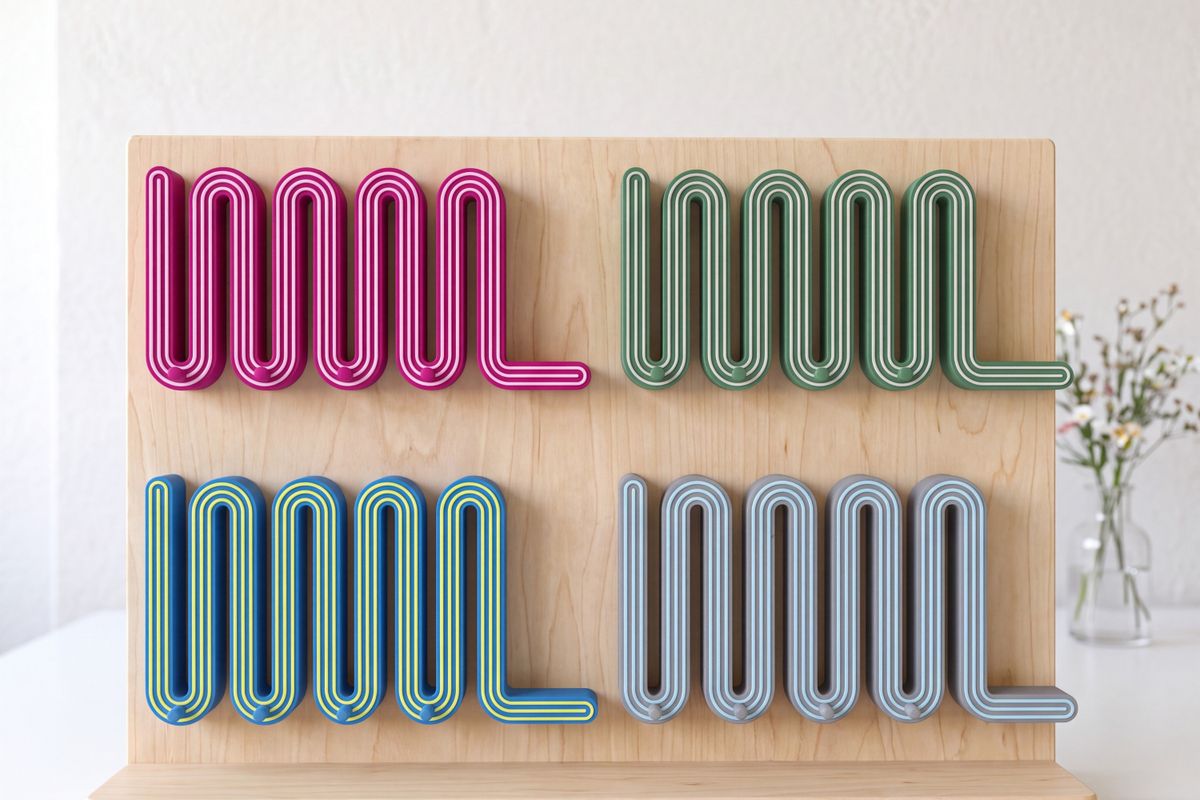
- Draw a bold silhouette. A key holder has to read from across a room, so the designs rely on big curves and confident lines: the flowing waves of the Wavy line, the crisp peaks of the Mountain, the melted-paint edges of the Drippy designs. Fine detail that looks lovely on screen can disappear at print scale.
- Separate the colors. Each color becomes its own path in the SVG. That separation is what makes custom colors possible. On the custom Wavy key holder you choose a body color and an accent stripe color, and each one prints as its own layer.
- Give it depth. The SVG goes into 3D software, where each path is extruded, or pulled up into a solid of a set thickness. Raising the accent above the body gives the piece its layered, dimensional look. Hooks and a way to mount it are added at this stage.
- Print it to order. Each key holder is printed in recycled PLA, a plant-based material, and made to order in Wilmington, North Carolina, usually within one to three days.
Where Those SVGs Ended Up
These are some of the East Coast Art Supply key holders that started out as flat vector designs. Each photo links to its collection.
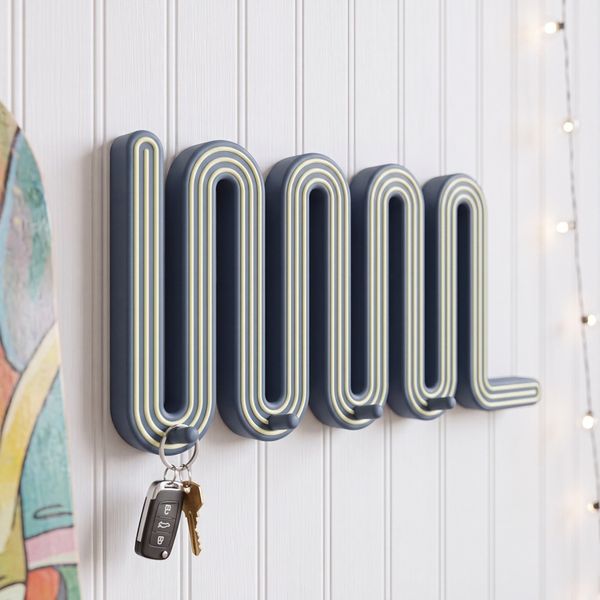
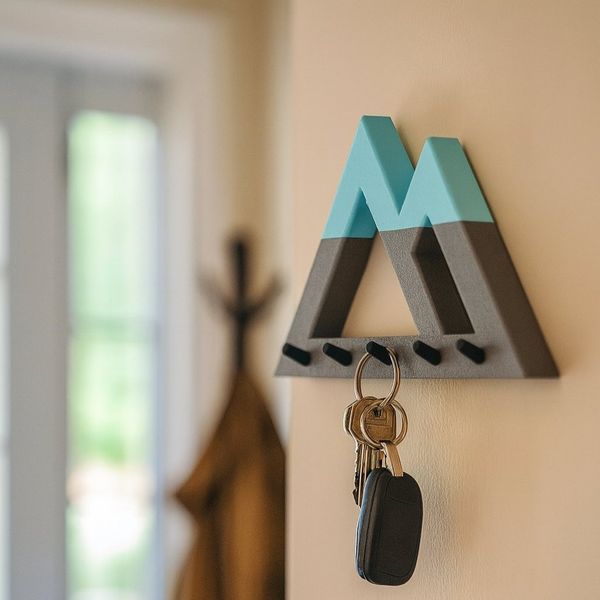
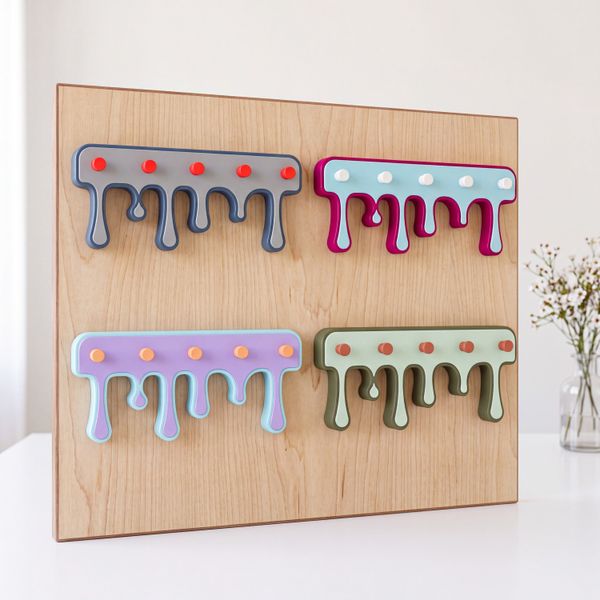
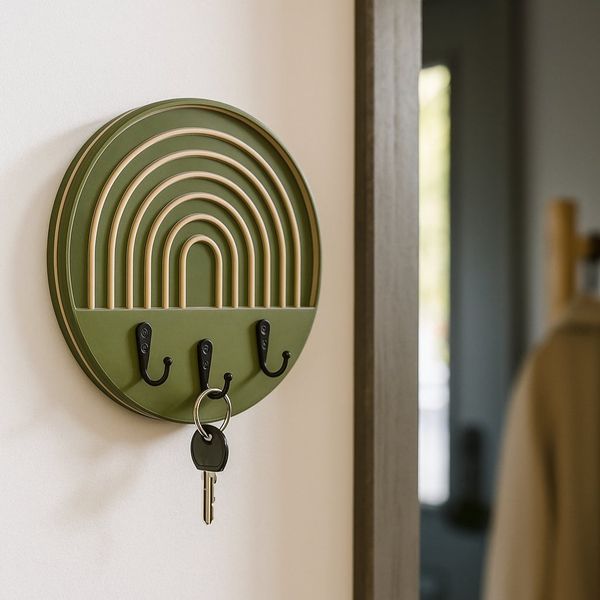
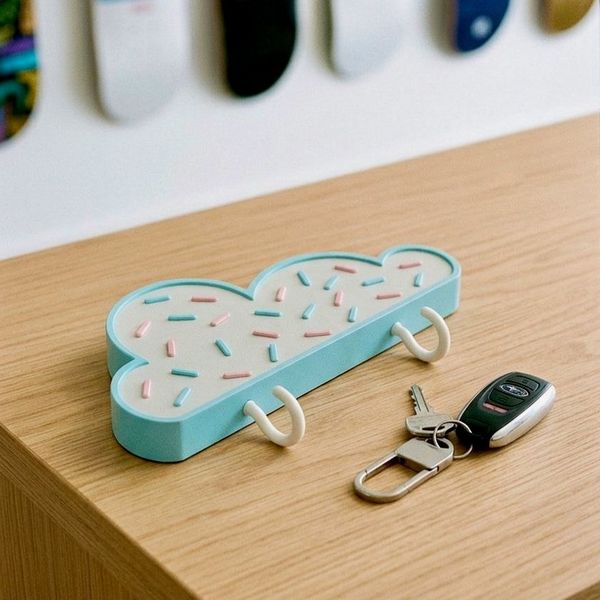
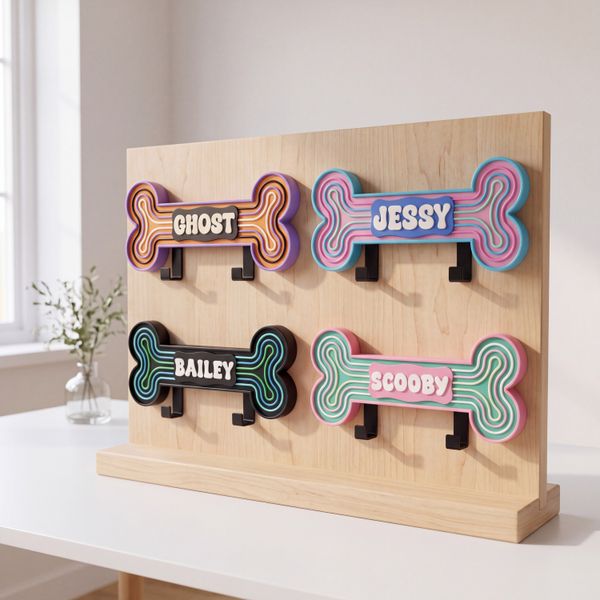
There are also Desert Sunset, Geometric and Mosaic designs. You can browse all nine key holder collections, or pick your own color combination on the customizable designs.
Make Your Own Key Holder from an SVG
If you have a 3D printer, a laser, or a cutting machine, you can make a key holder from a free design in our library. Our designs are line art saved as filled shapes, so they import into 3D tools without any cleanup. A few choices make the difference between a piece that prints cleanly and one that falls apart.
1. Pick a design with bold lines
Thin lines are the most common problem. At the finished size, every line should be at least about 1 mm wide, which is roughly two passes of a standard 0.4 mm printer nozzle. On the browse page, set the Line weight filter to the two thickest options. Good places to start are bold-line dog designs for a pet-themed key or leash holder, cactus designs for a desert-style entryway, and skulls for something spooky.
2. Turn it into a 3D model
- Tinkercad (free, in the browser): choose Import, pick the SVG, and set a height. It comes in as a solid shape.
- Fusion: use Insert › Insert SVG, then extrude the profiles.
- Bambu Studio or PrusaSlicer: both can add an SVG to the build plate as a part, so you can skip a separate modeling program.
A simple, sturdy recipe: a solid backing plate in the outline of the design, about 4–5 mm thick, with the line art raised 1.5–2 mm on top in a second color. Print it lying flat. If an SVG from somewhere else uses strokes instead of filled shapes, convert the strokes to outlines first, because most 3D tools only read filled shapes.
3. Add hooks you can trust
A key ring is a constant load, so hooks deserve some thought. Hooks printed as part of a flat plate stand upright on the print bed, which stacks their layers along the hook: the weakest direction for 3D-printed plastic. Print hooks separately lying on their side and glue or screw them on, or leave small holes for screw-in metal hooks. For hanging, two countersunk screw holes or a keyhole slot on the back keep the plate flat against the wall.
Using a laser cutter or Cricut instead
The same SVG works on a laser: cut the outer shape from 3 mm plywood or acrylic, engrave the line art, and glue a second cut layer behind it for depth. If your laser software prefers it, use the DXF from the download; our SVG vs DXF guide explains the difference. A Cricut Maker with the Knife Blade cuts chipboard and basswood up to 2.4 mm thick, so you can laminate two or three layers into a lightweight key holder.
Can you sell what you make?
Yes. Our free license covers finished physical products such as wall décor, so you can sell key holders made from our designs in your own shop. What you can't do is sell or share the SVG files themselves.
Rather Buy One Ready-Made?
If you would rather hang one up this weekend than learn a slicer, East Coast Art Supply makes handmade wall key holders and dog leash holders to order in Wilmington, NC. Many designs come in your choice of colors, US shipping is free on orders over $50, and there are bulk and closing-gift options for realtors.