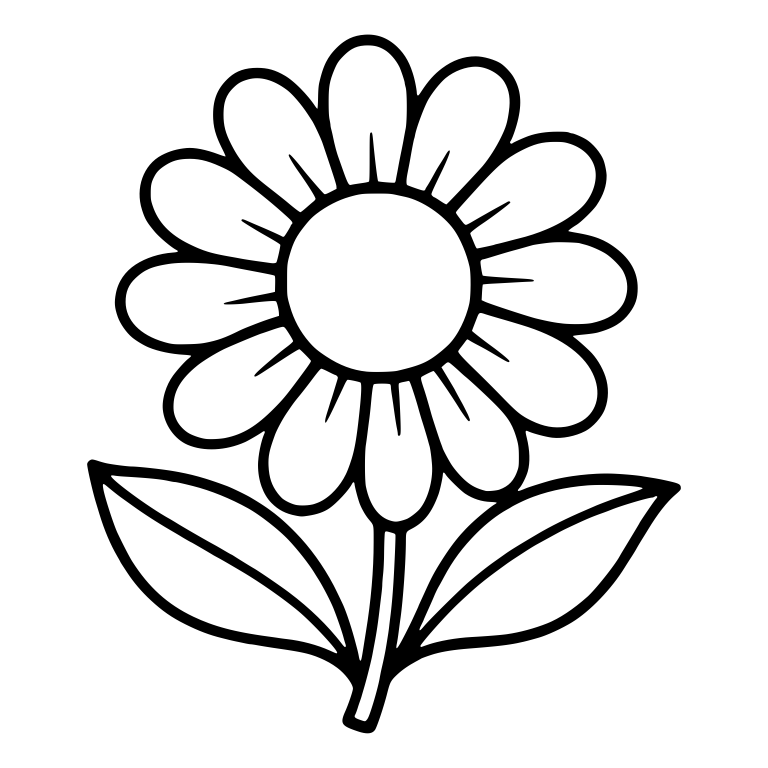
Simple Daisy with Large Blank Center and Two Leaves
Single-layer closed vector contours — ready for LightBurn, xTool Creative Space, and Glowforge score/engrave/cut workflows.
Download Free SVG + DXF →Updated November 2026 · SVG Design Factory Laser & CNC Lab
Every design on SVG Design Factory includes both a clean, single-layer .SVG and an AutoCAD R12 .DXF file—making them plug-and-play in LightBurn, xTool Creative Space (XCS), and the Glowforge App. Comparing machines? See our 2026 Best Laser Cutter Comparison Matrix (xTool P2 vs S1 vs Glowforge vs OmTech).
Also building split-frame family name door hangers? Use our Free Split-Frame Monogram & Curved Text SVG Generator.
Single-layer closed vector contours — ready for LightBurn, xTool Creative Space, and Glowforge score/engrave/cut workflows.
Download Free SVG + DXF →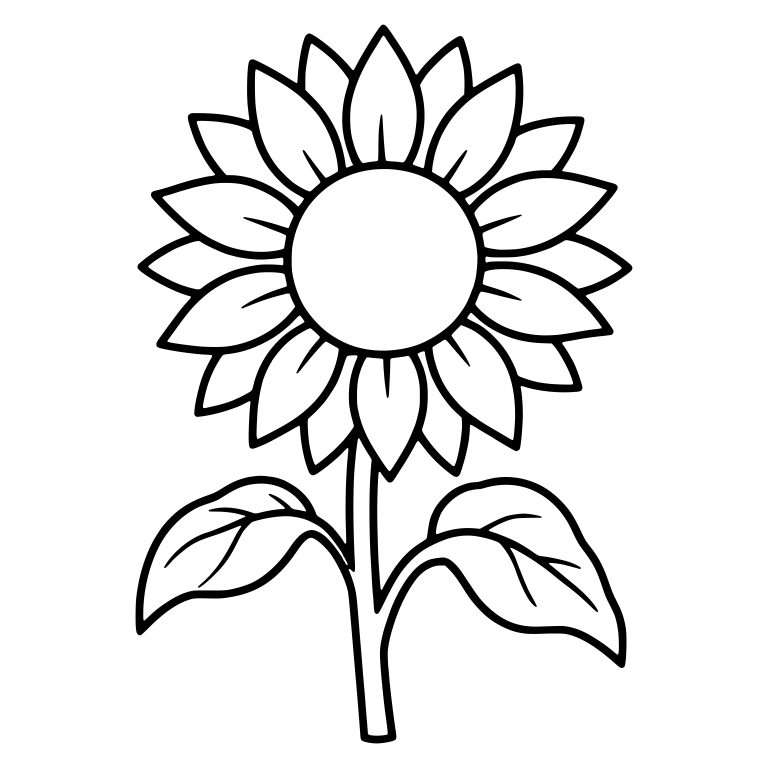
Single-layer closed vector contours — ready for LightBurn, xTool Creative Space, and Glowforge score/engrave/cut workflows.
Download Free SVG + DXF →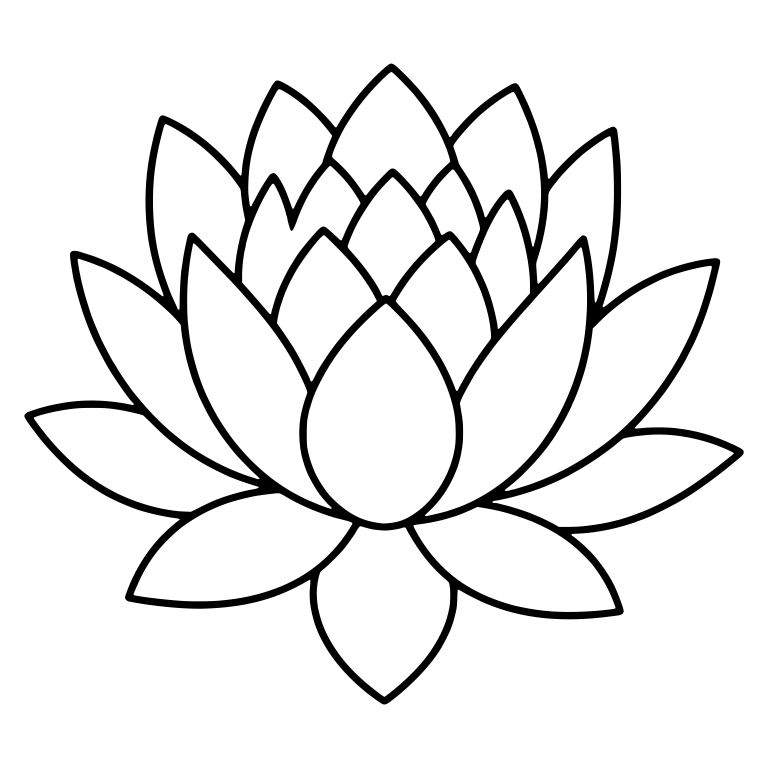
Single-layer closed vector contours — ready for LightBurn, xTool Creative Space, and Glowforge score/engrave/cut workflows.
Download Free SVG + DXF →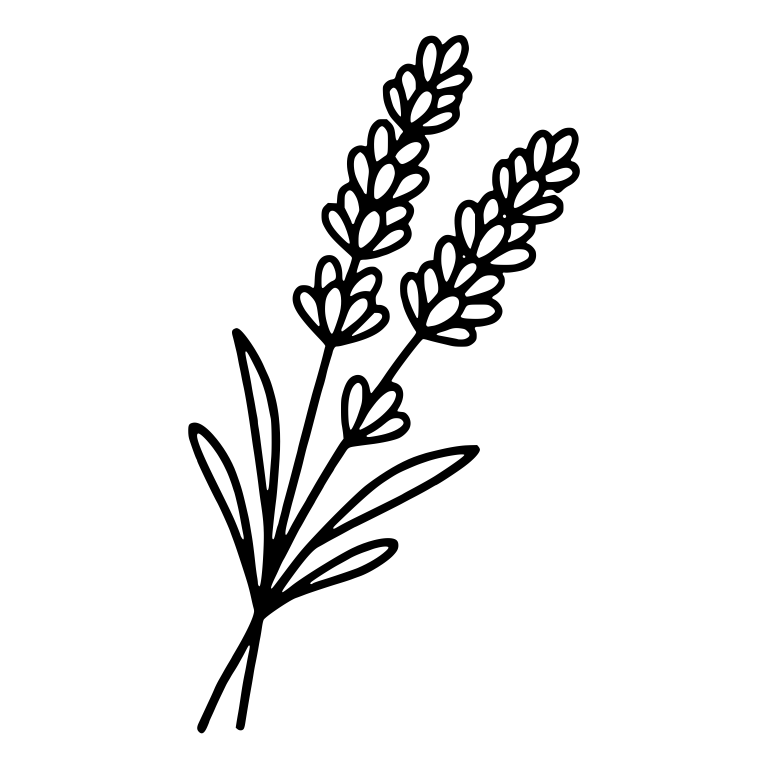
Single-layer closed vector contours — ready for LightBurn, xTool Creative Space, and Glowforge score/engrave/cut workflows.
Download Free SVG + DXF →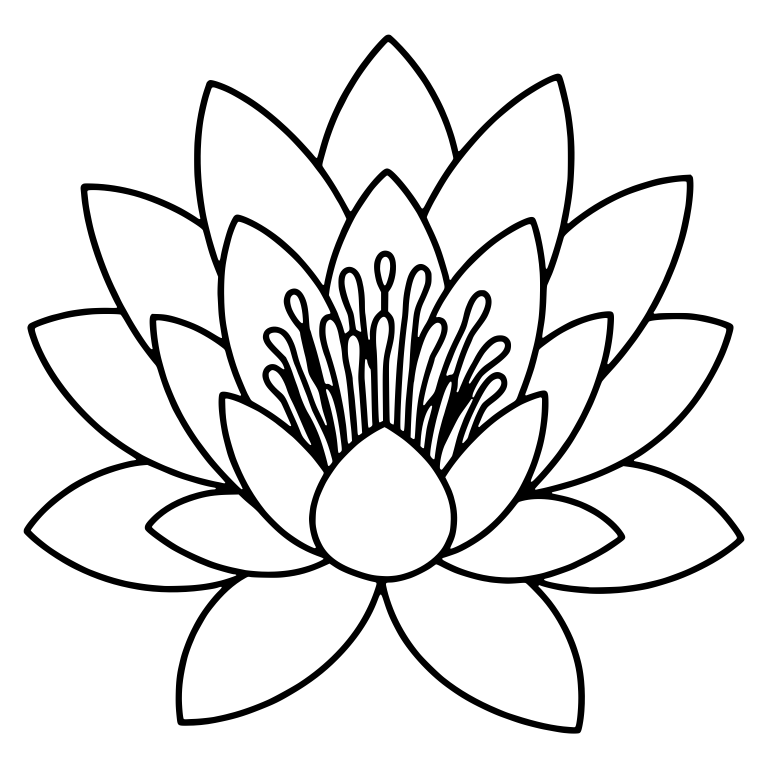
Single-layer closed vector contours — ready for LightBurn, xTool Creative Space, and Glowforge score/engrave/cut workflows.
Download Free SVG + DXF →
Single-layer closed vector contours — ready for LightBurn, xTool Creative Space, and Glowforge score/engrave/cut workflows.
Download Free SVG + DXF →
Single-layer closed vector contours — ready for LightBurn, xTool Creative Space, and Glowforge score/engrave/cut workflows.
Download Free SVG + DXF →
Single-layer closed vector contours — ready for LightBurn, xTool Creative Space, and Glowforge score/engrave/cut workflows.
Download Free SVG + DXF →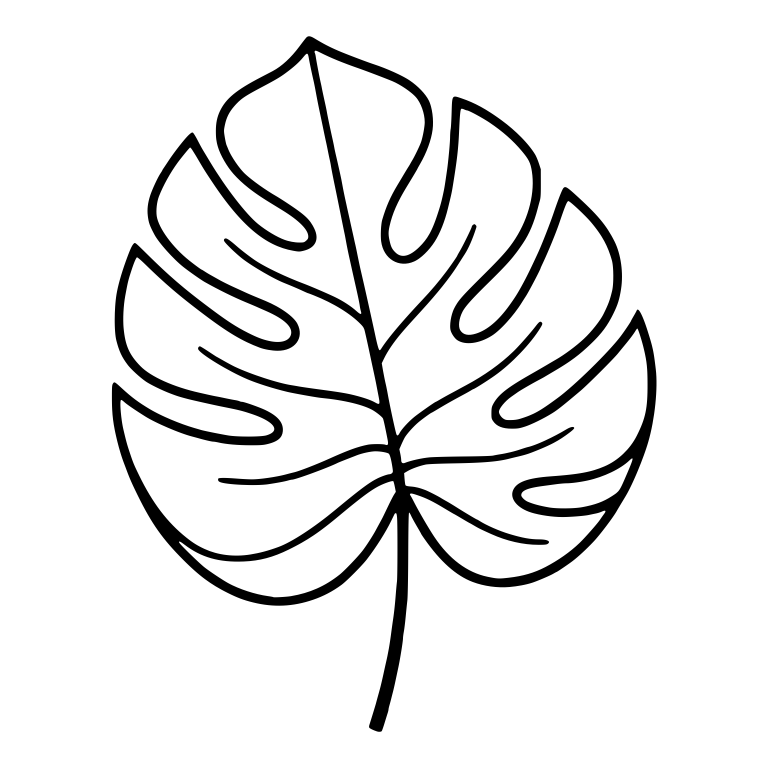
Single-layer closed vector contours — ready for LightBurn, xTool Creative Space, and Glowforge score/engrave/cut workflows.
Download Free SVG + DXF →
Single-layer closed vector contours — ready for LightBurn, xTool Creative Space, and Glowforge score/engrave/cut workflows.
Download Free SVG + DXF →
Single-layer closed vector contours — ready for LightBurn, xTool Creative Space, and Glowforge score/engrave/cut workflows.
Download Free SVG + DXF →
Single-layer closed vector contours — ready for LightBurn, xTool Creative Space, and Glowforge score/engrave/cut workflows.
Download Free SVG + DXF →
Single-layer closed vector contours — ready for LightBurn, xTool Creative Space, and Glowforge score/engrave/cut workflows.
Download Free SVG + DXF →
Single-layer closed vector contours — ready for LightBurn, xTool Creative Space, and Glowforge score/engrave/cut workflows.
Download Free SVG + DXF →
Single-layer closed vector contours — ready for LightBurn, xTool Creative Space, and Glowforge score/engrave/cut workflows.
Download Free SVG + DXF →
Single-layer closed vector contours — ready for LightBurn, xTool Creative Space, and Glowforge score/engrave/cut workflows.
Download Free SVG + DXF →